Logging in to Genialis™ Expressions
Navigate to Genialis™ Expressions website to login.
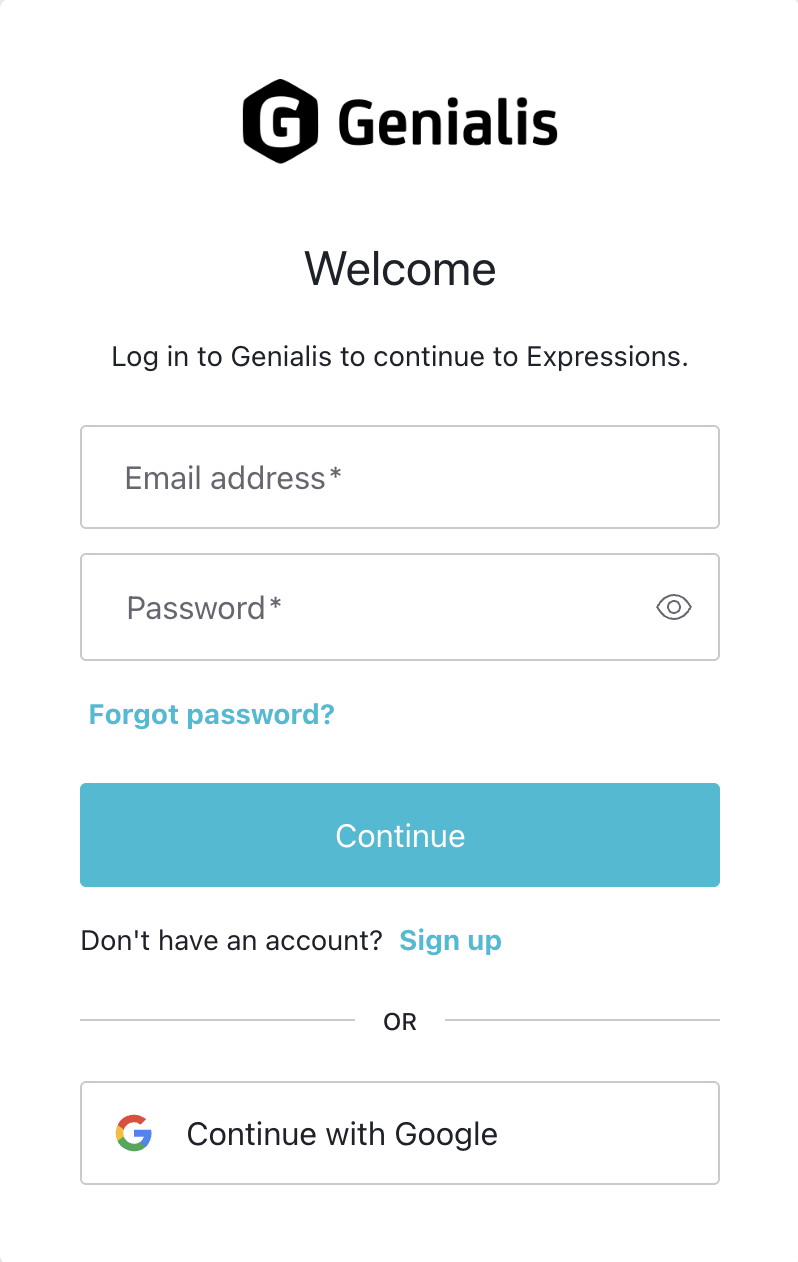
You will automatically be redirected to the authentication portal. If you already have an account, please enter your email and password to log in. Alternatively, you can use the “Continue with Google” option if you registered using your Google account.
Create Genialis™ Expressions account
To obtain access to Genialis™ Expressions please contact us at info@genialis.com.
To create a Genialis™ Expressions account, please follow the steps below:
Navigate to Genialis™ Expressions website.
You will automatically be redirected to the authentication portal.
Select either Continue with Google or Sign up option to create your account.
If you select Continue with Google, you will be prompted to select your Google account and grant permissions to Genialis™ Expressions.
If you select Sign up option, you will be prompted to enter your email and desired password. Press Continue. Disregard a login failed page that might pop up at this point. Navigate to your email inbox and click CONFIRM MY ACCOUNT in the account activation email.
Please allow up to 1 business day for us to configure your account and grant you access to the Genialis™ Expressions application.